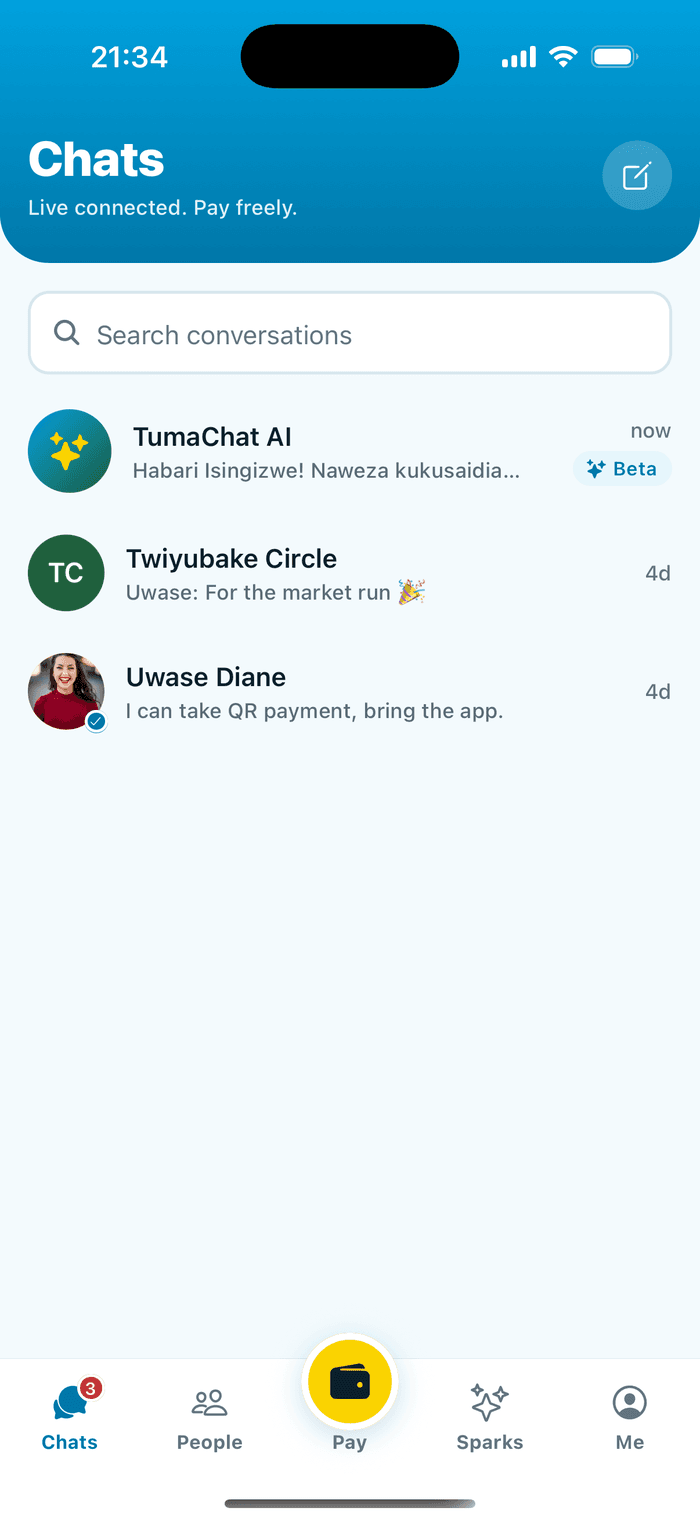
A wallet is only worth the accounting behind it. Before you trust any app with money, you should know how it keeps that money correct and safe. TumaChat is in beta, so here is the honest version: the rules our payment system is built on, published so they can be held against us, followed by practical tips that protect you on any payment app.
How the TumaChat wallet is built
1. Double-entry accounting
Every transfer is written as a matched pair: a debit from one account and a credit to another, inside a single database transaction. Either both sides are recorded or neither is. Your balance is calculated from that ledger and is never edited directly, so money cannot appear from nowhere or quietly disappear. It is the same accounting principle banks use.
2. No double payments
Each payment request carries a unique key. If your connection drops halfway, or you tap Send twice by accident, TumaChat recognises the repeat and returns the original result instead of moving the money a second time.
3. Limits and verified recipients
Each account has a verification level (KYC tier) that caps how much can move in a transaction. And a transfer always goes to a resolved account, chosen from a chat, a @handle or a QR code, never to a name typed from memory.
4. Escrow for shared money
Money that belongs to a group, such as an ikimina pot or a gift envelope, sits in a separate escrow account until it is paid out or claimed. Unclaimed envelope money returns to the sender automatically.
5. Secure connections and passwords
The app talks to our servers only over encrypted HTTPS connections. Passwords are stored as one-way hashes, never in readable form, so not even our team can see yours.
6. Oversight
An internal console lets the TumaChat team check that the ledger balances, and review accounts, shops and ads, so problems can be found and fixed quickly.

The Pay hub
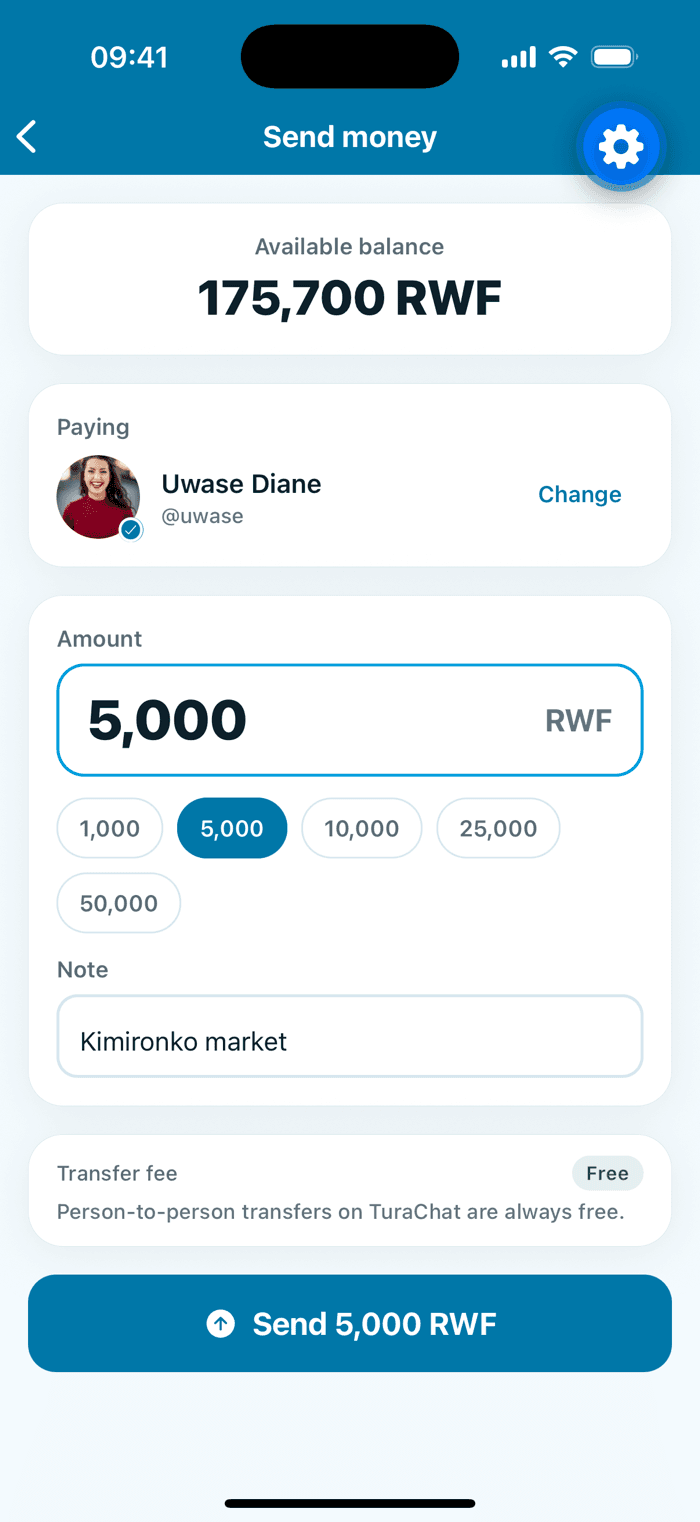
Send money, fee: free
Security settings you control
Open Me › Security and turn on the protections that suit you:
- Payment PIN: a four-digit PIN for payments.
- Confirm every payment: the app asks before any money leaves your wallet.
- Biometric unlock: open TumaChat with your fingerprint or Face ID.
- Hide wallet balance: blur the amount on the Pay hub when you are in public.
8 tips to avoid mobile money scams
Most fraud does not break the technology. It tricks people. These tips protect you on TumaChat and on any other payment service:
- Never share your PIN or password, not with a caller, an “agent”, a friend or anyone claiming to be from TumaChat. We will never ask for it, and neither will TumaChat AI.
- Beware of “I sent money to you by mistake.” If someone asks you to send money back, check your own history first. Often no money arrived and the message was fake.
- Ignore prizes you did not enter. “You won 500,000 RWF, pay a small fee to receive it” is always a scam.
- Check the name before you confirm. Make sure the account and amount on the confirmation screen are what you expect.
- Do not pay to “unlock” a job, loan or delivery. Real employers and lenders do not ask for upfront fees by message.
- Only install TumaChat from tumachat.com. Never install an APK that someone sends you in a chat. See our install guide.
- Lock your phone with a PIN, pattern or fingerprint, and turn on Biometric unlock in TumaChat.
- Take your time. Scammers create urgency (“do it now or lose your account”). Stop, call the person on a number you already know, and ask someone you trust.
Where we are, honestly
TumaChat is pre-launch. TumaChat is not yet a licensed payment provider, so the beta uses demo money, and live mobile money settlement will only be enabled once the relevant approvals are in place. Our privacy policy and terms explain how account details, messages, the wallet ledger and media are handled.