
TumaChat is not on the Google Play Store yet, so during the beta the Android app is installed directly from our website as an APK file. It takes about five minutes. This guide walks you through every step, including the warning screens Android may show.
Step 1: Download the APK from tumachat.com
- On your Android phone, open Chrome (or your usual browser) and go to tumachat.com.
- Tap the button that says Android · download APK, Get TumaChat. You will also find it at the end of this article.
- If Chrome asks whether to keep or download the file, tap Download. A file named TumaChat-1.1.1-release.apk is saved to your Downloads.
Step 2: Allow your browser to install apps
Android protects you by blocking apps that do not come from the Play Store until you give permission. You only need to do this once.
- Tap the downloaded file in the notification, or open Files › Downloads and tap TumaChat-1.1.1-release.apk.
- If you see “For your security, your phone is not allowed to install unknown apps from this source”, tap Settings.
- Turn on Allow from this source (on some phones this is called Install unknown apps), then press back.
Step 3: Install and open TumaChat
- Tap Install.
- If Google Play Protect says the app is unknown or not scanned, choose More details › Install anyway. This message appears for apps that are not yet on the Play Store.
- When installation finishes, tap Open. You will find the TumaChat icon on your home screen or in your app drawer.
Step 4: Choose your language and sign in
On the welcome screen, pick Kinyarwanda, English, Français or Kiswahili. You can change it later in Me › Language. Then choose one of two options:
- Create account with your name, a username friends can search, your email and a password of at least six characters.
- Sign in if you already have an account. The demo account is no longer a one-tap button — it only works if you already have those login details.
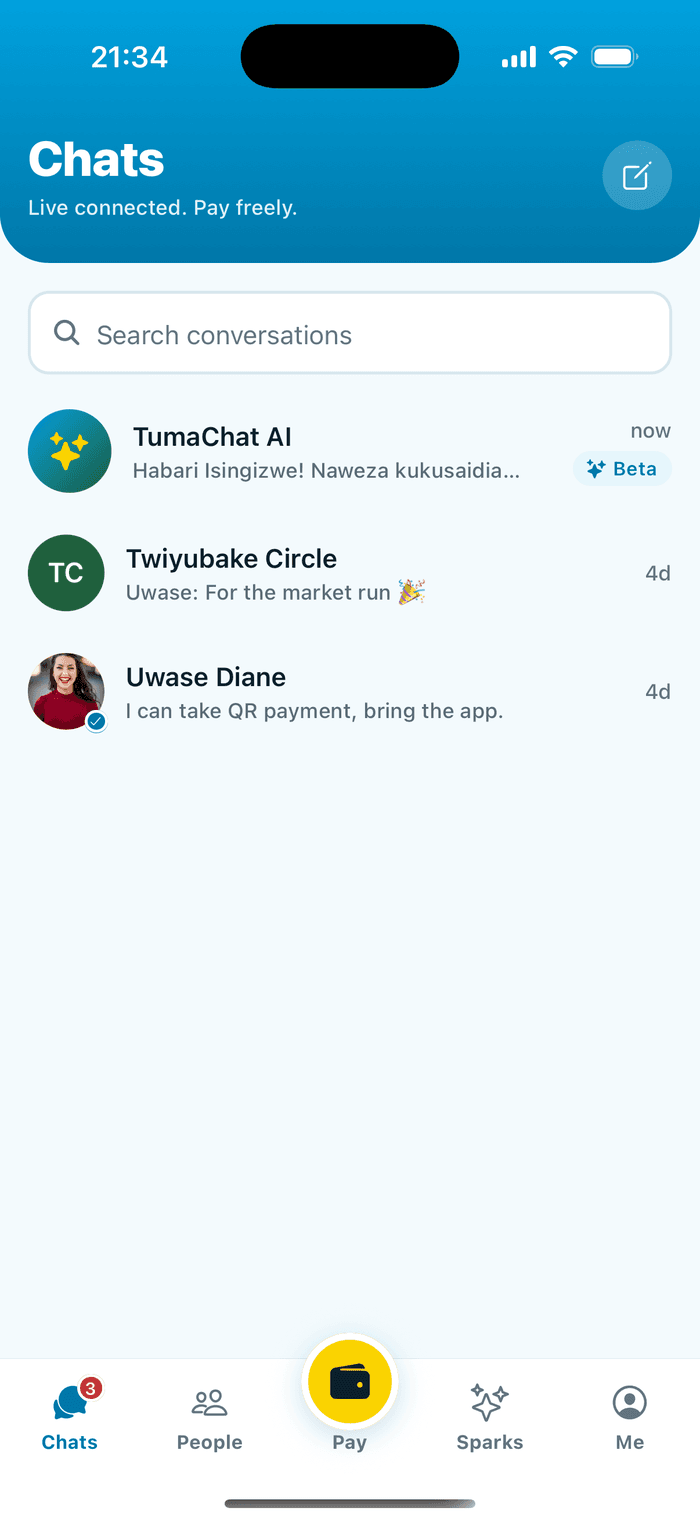
TumaChat AI, pinned in Chats

The Pay hub

Language settings
Step 5: Set up your security
Open Me › Security and set a four-digit Payment PIN. You can also turn on Confirm every payment, so the app asks before any money leaves your wallet, and Biometric unlock if your phone has a fingerprint reader. Our article on staying safe with TumaChat has more tips.
What should I try first?
- Say hello to TumaChat AI, pinned at the top of Chats, in the language you prefer. See what the assistant can do.
- Open Pay and look at your QR code under Receive. That is how friends and shops pay you.
- Visit Ibimina to see how a digital savings group works.
- Post your first moment in Sparks.
Do you have an iPhone?
The iOS app is built and is available on request during the beta. On tumachat.com, tap Request the iPhone app, leave your email address, and we will contact you to set it up.
Troubleshooting
“App not installed” appears. What should I do?
Usually the download did not finish or the phone ran out of space. Free up some storage, delete the old file from Downloads, and download it again on a stable connection.
Is it safe to install an APK?
An APK is simply how Android apps are packaged; the Play Store uses the same format. What matters is where it comes from. Only install TumaChat from tumachat.com, which uses a secure HTTPS connection.
Which Android version do I need?
Any reasonably recent Android phone should work. If the installer says the app is not compatible with your phone, leave your email on the early-access list and we will follow up to help.
Will I need to reinstall when there is an update?
During the beta, new versions are published on tumachat.com. Download the new APK and install it over the old one; your account stays the same.
Is the money in the demo wallet real?
No. TumaChat is in beta and is not yet a licensed payment provider, so balances are demo money. Live settlement will only be enabled once the relevant approvals are in place.
